
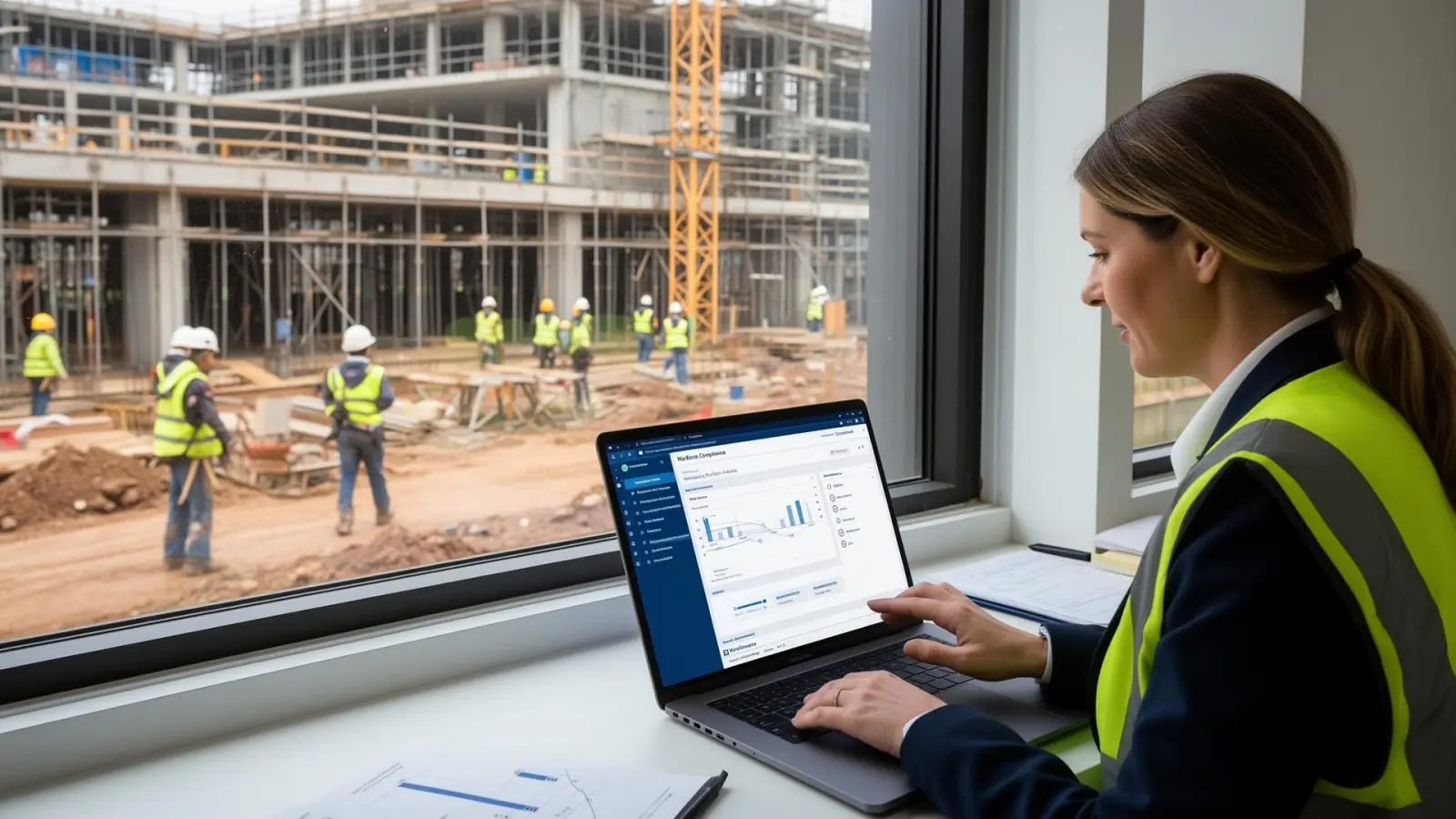
Head Office in Melbourne, Crews in Three States: Running Construction HR From Anywhere
Construction in Australia rarely sits in one postcode. A head office in Melbourne might be carrying live crews across Victoria, New South Wales and Queensland - sometimes more - with subcontractors, labour hire and tickets that all expire on different days. The job of the HR manager is to keep that workforce safe, paid, compliant and properly inducted, without ever standing on every site.
That is a software problem as much as a people problem. The right hr software australia stack lets a small head office team run construction HR across multiple states the way a single-site builder runs it across one. The wrong stack lets credentials lapse, inductions get missed and compliance evidence sit on someone's phone.
This guide is for HR managers and business owners in Australian construction businesses with 200 to 2,000 employees, looking at how to actually run people operations across multiple states from one office.
Note on facts: Regulator and dataset references below were checked on 16 June 2026 against Safe Work Australia, the Australian Bureau of Statistics, Fair Work Ombudsman and state work health and safety regulators. Always confirm current obligations directly with the relevant authority before acting on them.
Why construction HR breaks at scale
Construction is consistently one of the highest-risk industries on the Safe Work Australia Work-related Traumatic Injury Fatalities report and the Australian Workers' Compensation Statistics. It also runs on a workforce that is highly mobile, frequently subcontracted and, in many cases, ticketed under more than one state regulator.
That combination creates four pressures most spreadsheets eventually fail under:
- A White Card from one state and licensing requirements that vary by jurisdiction.
- High-risk work licences and plant tickets with their own expiry cycles.
- Site-specific inductions that have to happen before a worker sets foot on a project.
- A real risk that one missed expiry is the difference between a productive day and a shut site.
A construction-ready hr management software platform has to handle all four - and surface what is broken before it becomes a problem.
What "running HR from anywhere" actually requires
It is not just a laptop and a VPN. To genuinely operate a construction workforce from a head office in Melbourne while crews work in three or more states, you need:
- One employee record per worker, regardless of which site, project or state they are on this week.
- A credential register that knows what each role needs, what each worker holds and when each piece of evidence expires.
- Mobile-first self-service so workers can update details, upload evidence, accept policies and submit forms from a phone on site.
- Inductions and policy acceptance captured before site access, with a defensible audit trail.
- Incident reporting that can be raised from a phone the moment something goes wrong.
- Reporting that segments by project, site, state and role - not just by cost centre.
An all-in-one cloud hr software platform delivers all six from one database. A stack of disconnected tools usually delivers some of them, badly.
State-by-state requirements you cannot ignore
Construction compliance is not a single national regime. A few of the moving parts a multi-state HR team carries:
- White Cards. The general construction induction is required under model WHS regulations adopted by most states, but cards are issued by state-based registered training organisations and conditions vary.
- High-risk work licences (HRWL). Issued by state and territory WHS regulators (e.g. WorkSafe Victoria, SafeWork NSW, Workplace Health and Safety Queensland), under a nationally consistent framework. A licence is portable but its evidence has to be on file.
- Long Service Leave portability schemes. CoINVEST (VIC), Long Service Corporation (NSW) and QLeave (QLD) operate separately and your records need to support each.
- Right-to-work evidence. A Commonwealth obligation, but easy to lose track of for short-engagement subcontractors and labour hire.
- Industrial instruments. The Building and Construction General On-site Award and various enterprise agreements drive different rules for different crews.
Trying to track this across three states from a single spreadsheet eventually leads to one of two outcomes: the spreadsheet becomes the full-time job of someone in HR, or the spreadsheet stops being trusted.
How modern HR software changes the picture
A modern hr system built for distributed workforces does three things a spreadsheet cannot:
- Assigns requirements to roles, sites and states, not to individuals. A new concreter in Queensland inherits the Queensland concreter requirement set automatically.
- Tracks evidence with expiry rules, so renewal reminders fire to the worker, their supervisor and HR on a defined schedule before the date hits.
- Surfaces exceptions on a dashboard, so head office can see today which workers are out of compliance, which are due in the next 30 days, and which are missing evidence entirely.
workit's HR compliance software does this natively. Requirements can be defined per role, site, project or business unit, evidence is collected through the worker's profile, and the dashboard shows exceptions in real time - without HR exporting a single CSV.
Mobile is not optional in construction
The single biggest difference between an HR platform that works for construction and one that does not is whether the workforce can use it from a phone.
A useful hr tool for construction lets a worker:
- accept a contract on a phone before day one
- upload a White Card photo straight to their profile
- read and accept a site-specific policy or SWMS
- complete a daily pre-start or incident form
- request leave, view payslips and update personal details
workit's employee self-service portal is built for exactly this. A worker in Townsville can do their entire admin from a phone in a site shed; HR in Melbourne sees the record update in the same minute.
Onboarding a crew at distance
Standing a new crew up across three states from one office is where good onboarding software australia earns its keep. A consistent workflow needs to:
- send the contract and offer pack the moment the role is accepted
- collect TFN, super choice and bank details through a compliant form
- capture state-specific credentials before commencement
- assign the right policies and site inductions automatically
- trigger internal tasks for IT, payroll and site supervisors
workit's employee onboarding software handles all of the above and writes the result into the same employee record used by compliance, leave, performance and reporting - so a worker hired remotely arrives compliant rather than waiting on a paper file to follow.
Incidents, hazards and the moment of truth
The moment a near-miss or injury happens on a site is the moment a HR and HSE system either works or does not. Calling it in to head office and writing it up later is no longer good enough - regulators expect a contemporaneous record, and self-insurers and head contractors increasingly require it.
Mobile incident reporting through workit's incident reporting module lets a supervisor or worker raise an incident from a phone, attach photos, log witnesses and trigger the right notification path - with the record sitting against the worker's profile and the project automatically.
Performance, capability and retention
Construction has a retention problem the Australian Bureau of Statistics data on job mobility makes plain - and replacing a ticketed worker is more expensive than retaining one. A multi-site HR team needs to be able to:
- record capability and ticket coverage by crew
- run consistent check-ins and reviews across sites
- spot the supervisors whose teams stay and the ones whose teams turn over
workit's performance reviews module gives head office a single view of capability across every state, so retention is something you can actually manage, not just measure after the fact.
Reporting head office actually needs
The reports a construction HR leader is asked for in 2026 rarely fit a generic HR dashboard:
- compliance exceptions by site and by trade
- credential expiries due in the next 30, 60 and 90 days
- inductions completed vs sites mobilised
- incidents and near-misses by project and by month
- headcount and labour-hire mix by state
An all-in-one hris software australia platform answers these without an export, because the data is in one place. A stack of point tools cannot, and the gap usually shows up the week before a board paper is due.
A practical operating model for a Melbourne head office
If you are building or rebuilding this from scratch, a workable model for a Melbourne head office running crews in three or more states looks like:
- One platform for recruitment, onboarding, HR core, compliance, performance, leave, forms, incidents and reporting.
- Role-based requirement sets defined per state, per trade and per project type.
- Mobile-first for every worker, with self-service profiles, credential uploads and form submission.
- A single compliance dashboard owned by head office HR, reviewed weekly.
- Project-level reporting shared with construction managers monthly.
- A named owner in each state for renewals, inductions and incident follow-up, working from the same system.
The operating model matters as much as the software, but the software has to support it.
Where workit fits
workit is an Australian-built human resource software platform used by multi-site businesses to run HR from one office across many. For construction, that means a single record per worker, credential lifecycle from hire through renewal, mobile self-service, defensible inductions and policy acceptance, mobile incident reporting and reporting that holds up to a head contractor audit.
If you are reviewing options, the construction HR solutions page covers exactly how workit supports head office and site teams together, and the HR compliance software page details the credential and evidence model that makes multi-state operation possible. For the wider context on choosing a platform, the HR software buyer guide and the 2026 pricing breakdown are useful next reads.